2026.7.6 published 2026-07-06
Bug fixes and performance enhancements.
- Bug fixes and performance enhancements.
 elegonn .app
Your AI dice opponent, always ready to play.
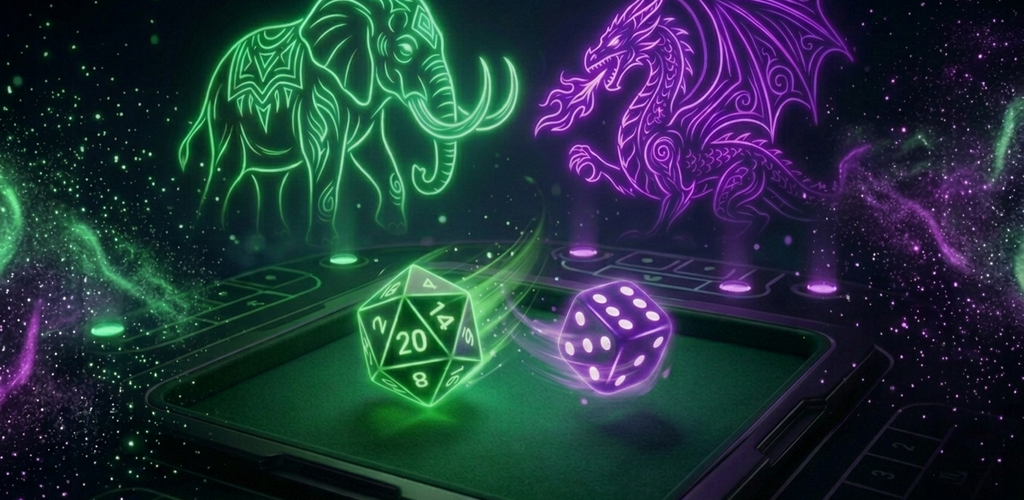
Elegonn vs Player is the extra player at your table. A pocket tabletop companion that brings seven classic tabletop games to life with on-device AI opponents that play instantly - no cloud, no waiting, no internet required. Every AI decision runs locally on your device using Apple Intelligence on iOS or Google AI on Android. The result is sub-second response times and complete privacy - your games never leave your phone. Choose your opponent's personality: the conservative Elephant, the aggressive Dragon, or the expected-value optimizing Balanced mind. Each personality plays differently across all seven games, adapting its strategy to match its character.
Choose your opponent: the Elephant banks early and avoids risk, while the Dragon will push for maximum points.
From quick rounds to deep strategy - every game you need, one app.
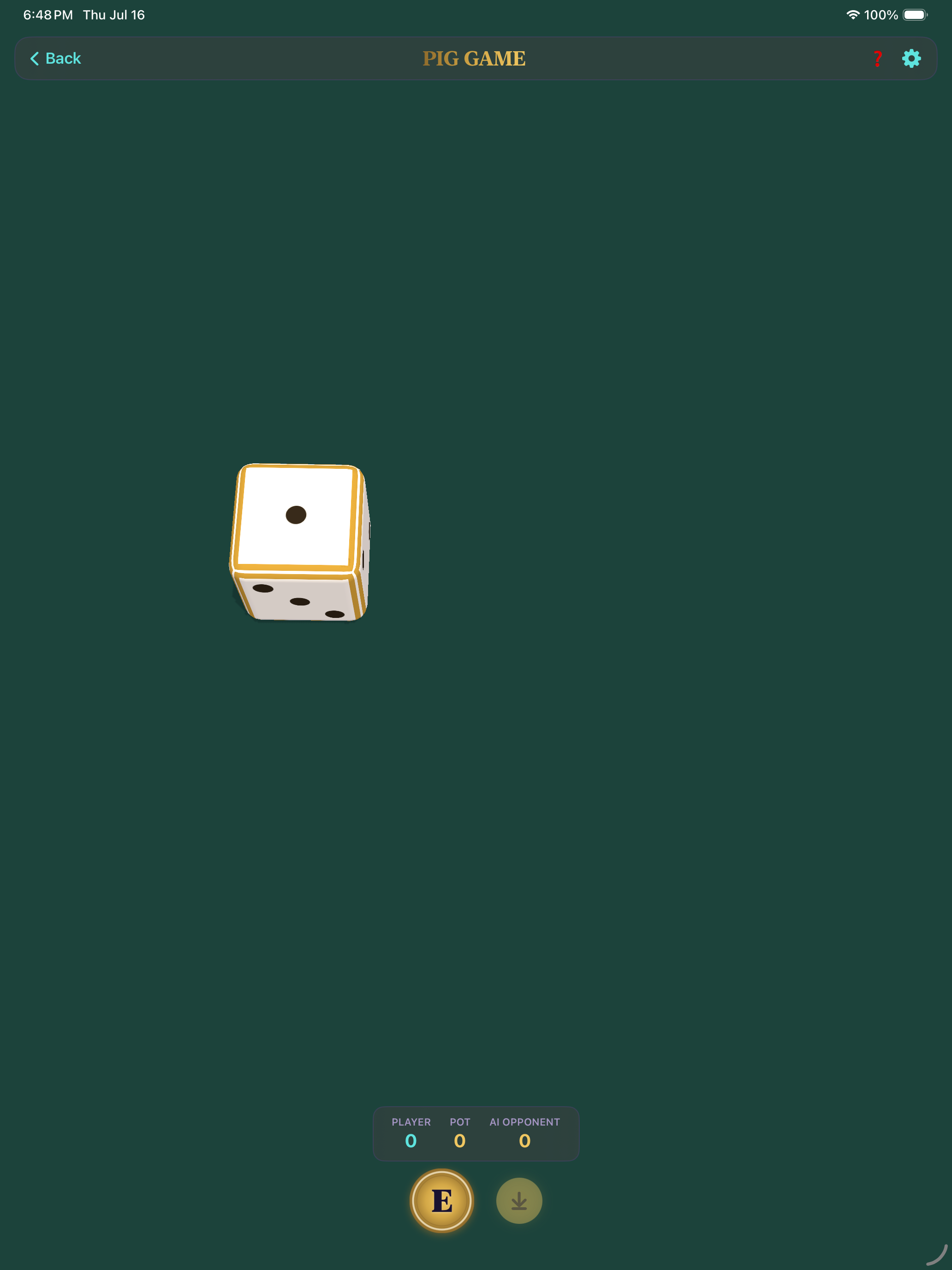
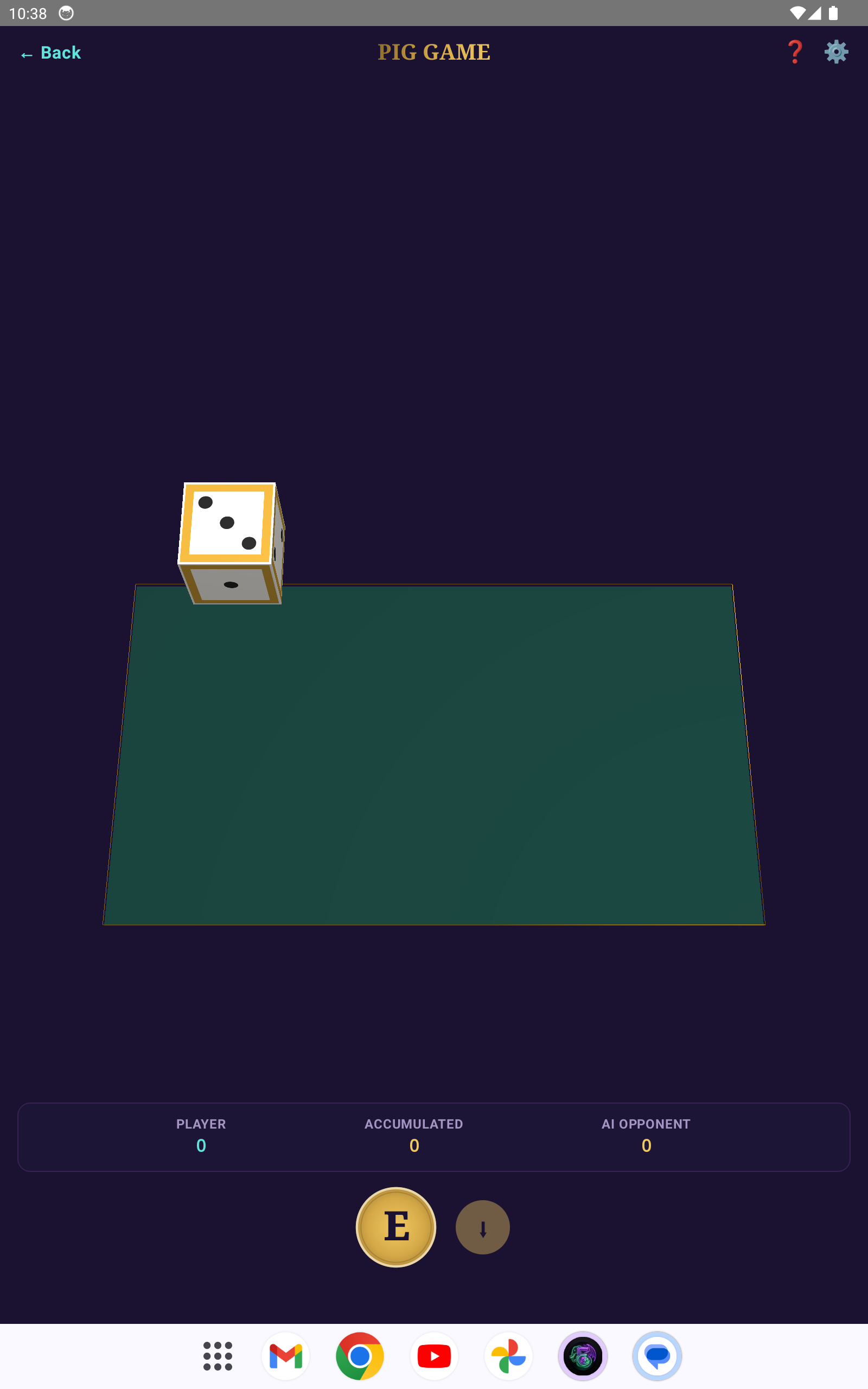
Roll a single die and add it to your turn total. Keep rolling to build your score, or hold to bank it. But roll a 1 and you lose everything you've accumulated this turn. First player to reach 100 wins.
The mathematically optimal hold threshold is 20 points. The conservative Elephant AI holds at 14, while the aggressive Dragon AI plays past the optimal threshold.
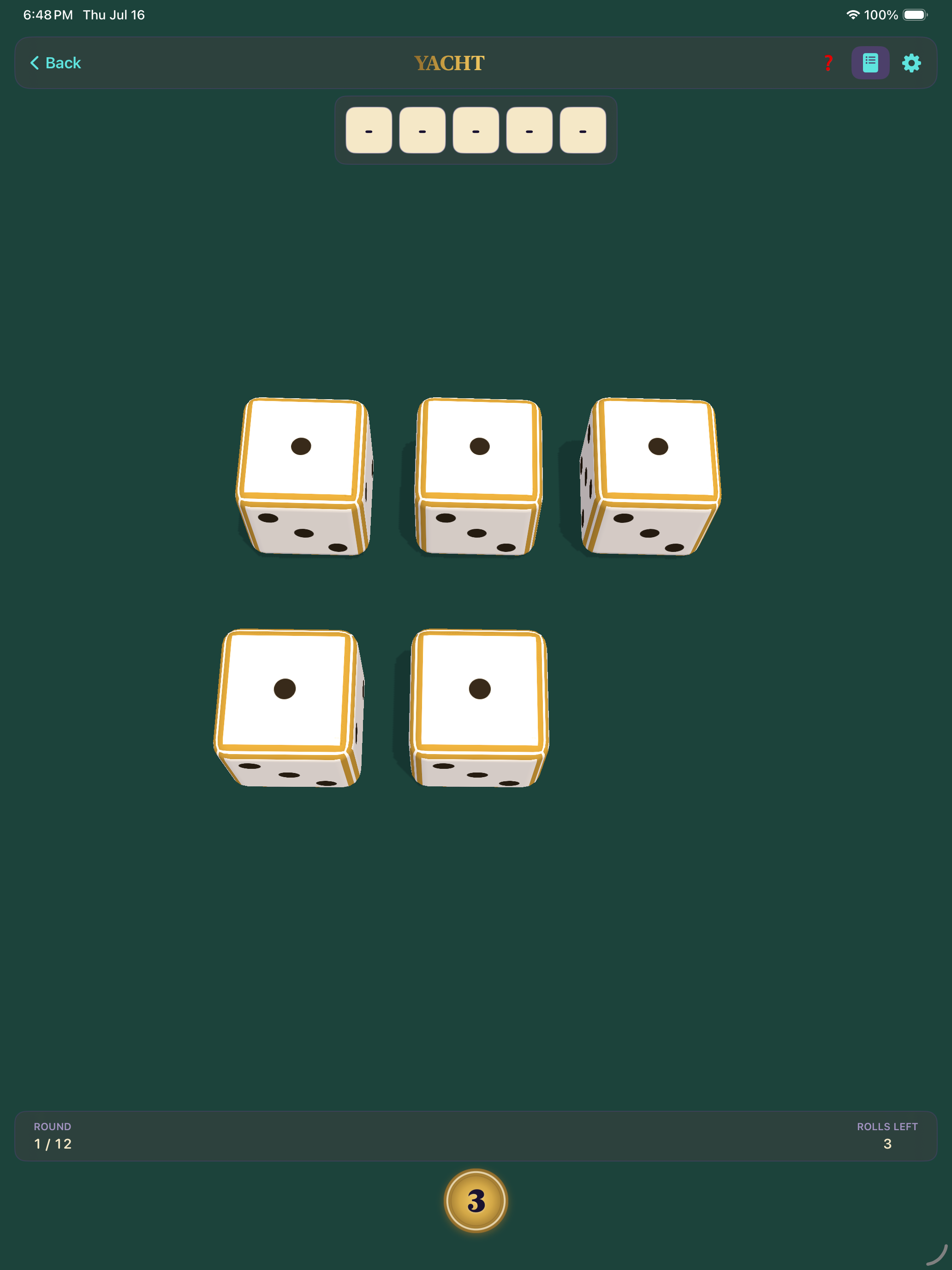
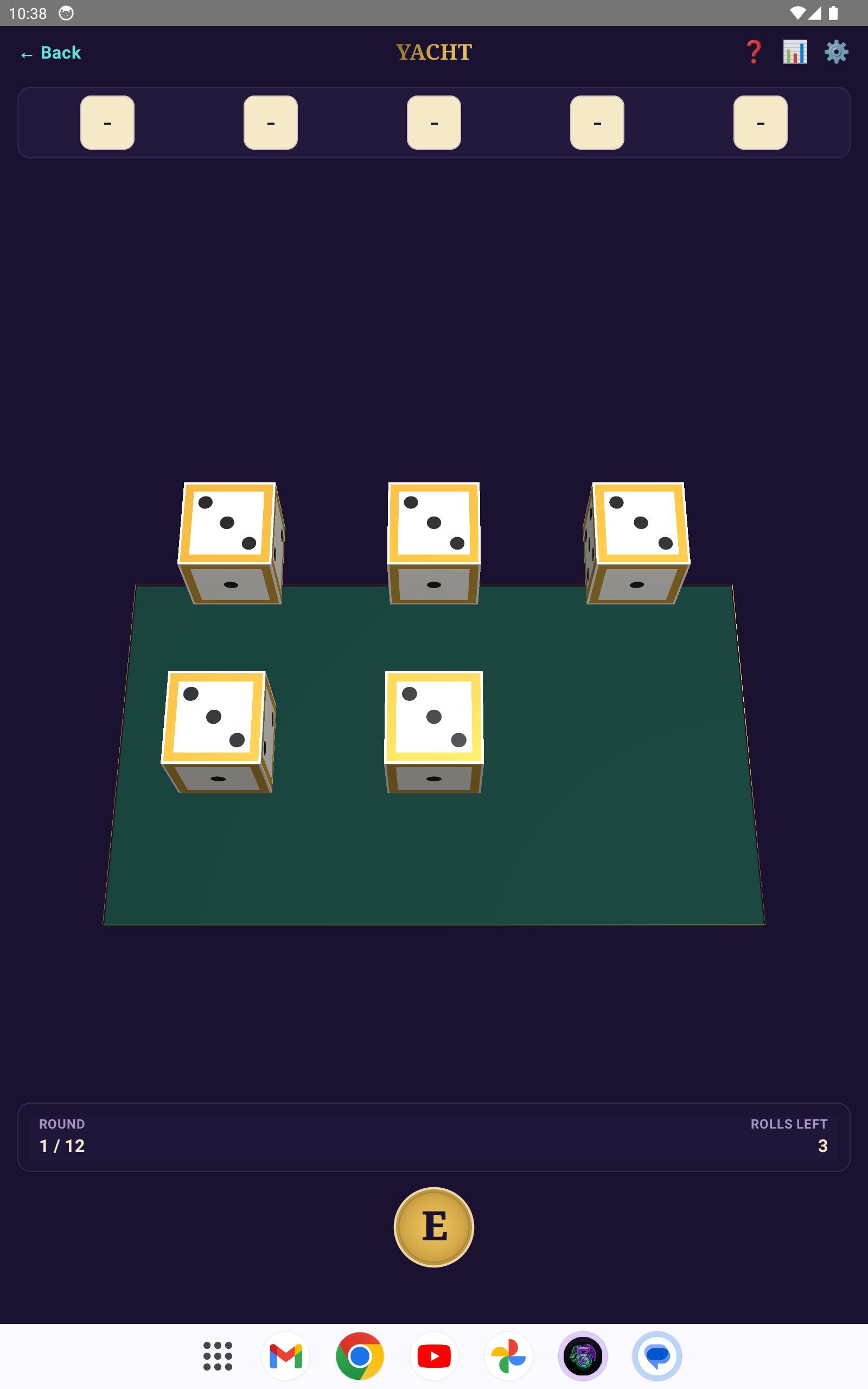
Roll five dice up to three times per turn, locking any dice you want to keep between rolls. After your final roll, score in one of 12 categories: Aces through Sixes (sum of matching faces), Choice (any total), Four of a Kind, Full House, Small Straight (4 in sequence), Large Straight (5 in sequence), or Yacht (all five matching - 50 points). Each category can only be used once. Highest total after 12 rounds wins.
Category selection is everything. Don't waste Yacht on a lucky early roll if you haven't filled your upper categories. The AI evaluates every possible keep-and-score combination to find the optimal play.
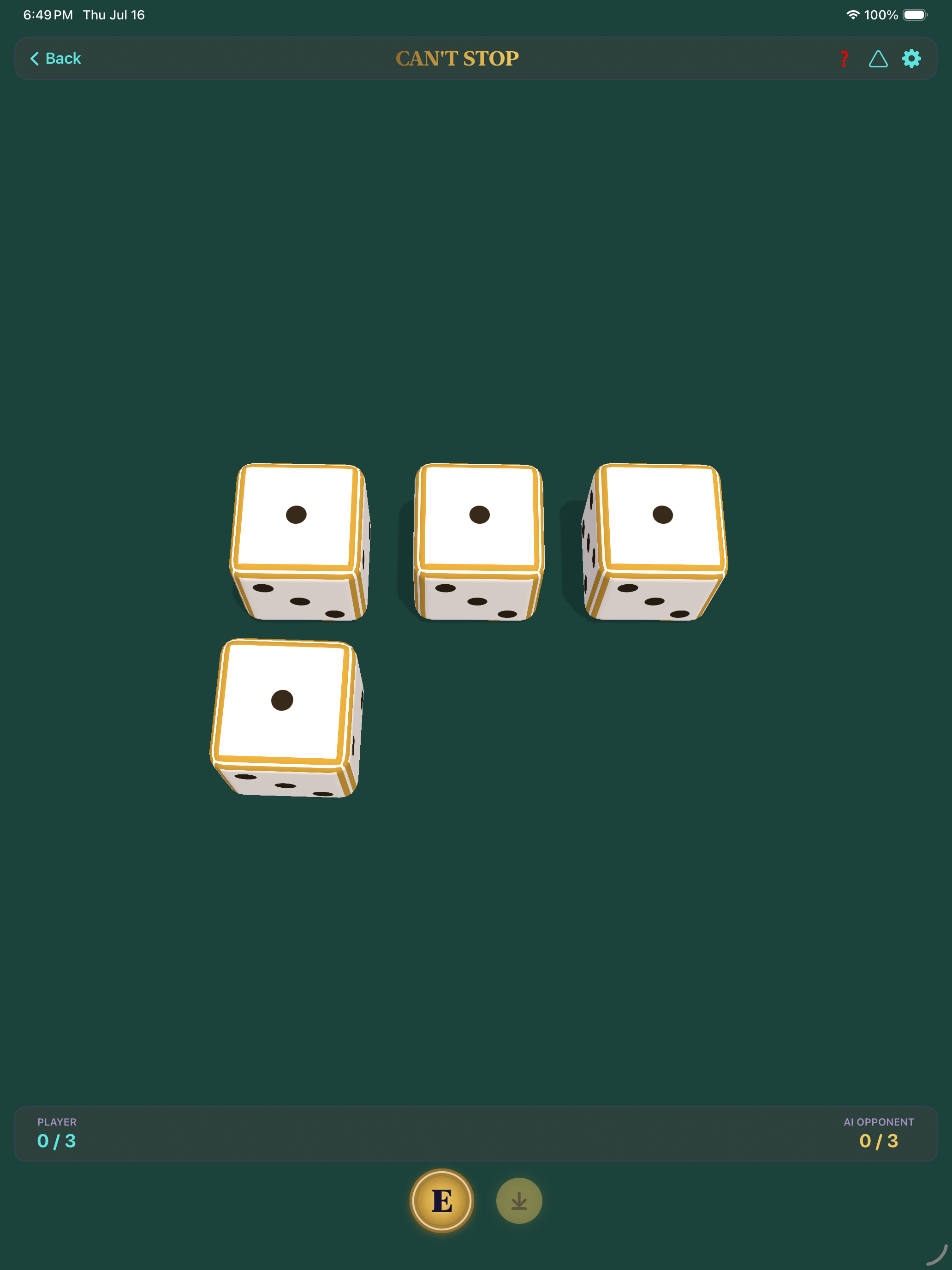
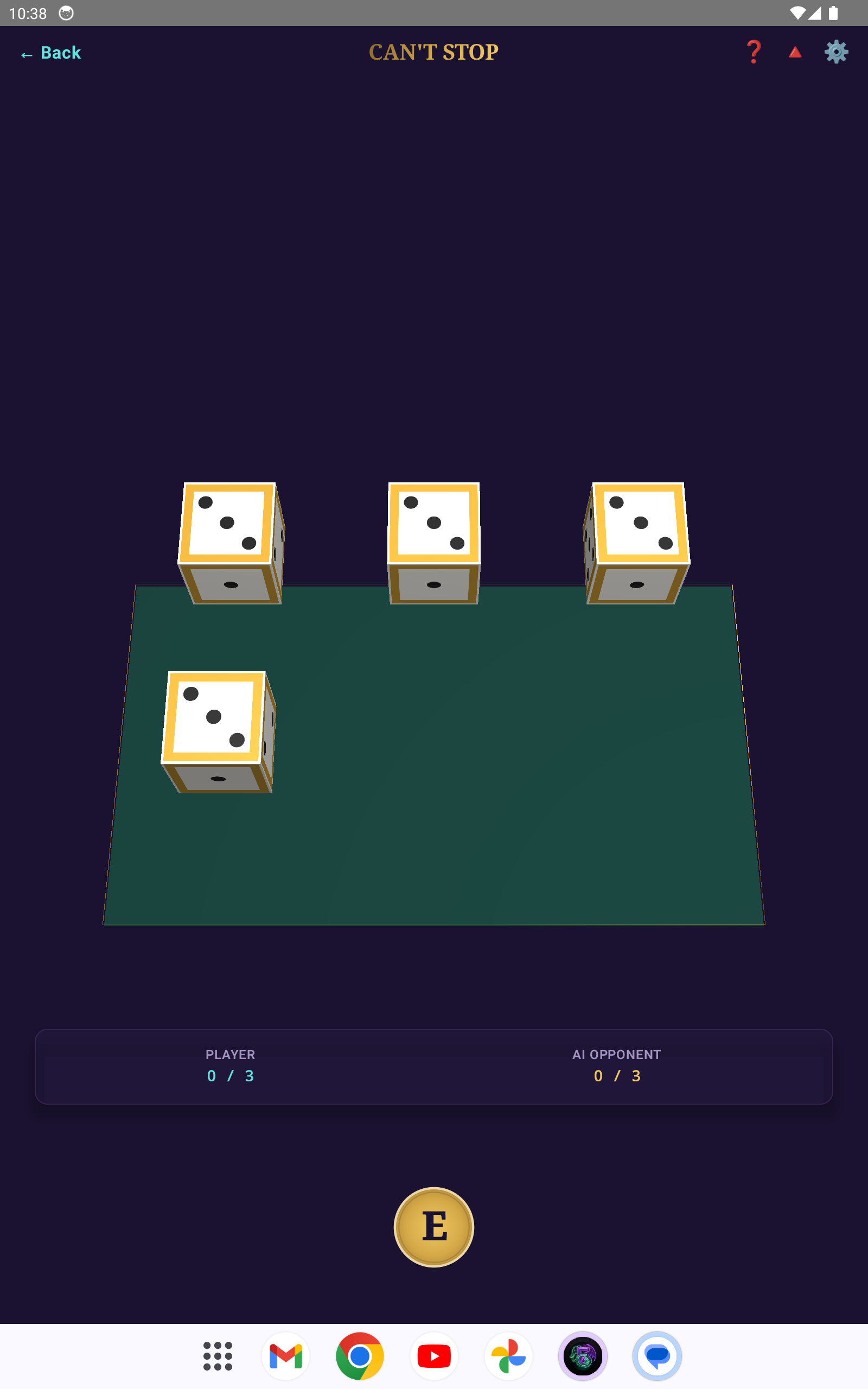
Roll four dice and pair them into two sums (2–12). Advance temporary markers up the corresponding columns - but you can only have three active columns per turn. Keep rolling to push further, or stop to lock in your progress. If you roll and can't advance any of your three active columns, you bust and lose all progress from that turn. Columns have different heights: column 7 is 13 spaces (most common sum), while columns 2 and 12 are only 3 spaces (hardest to roll). First player to claim three complete columns wins.
The middle columns (6, 7, 8) are long but hit often. Edge columns (2, 12) are short but risky. The best players balance safe middle progress with opportunistic edge claims.
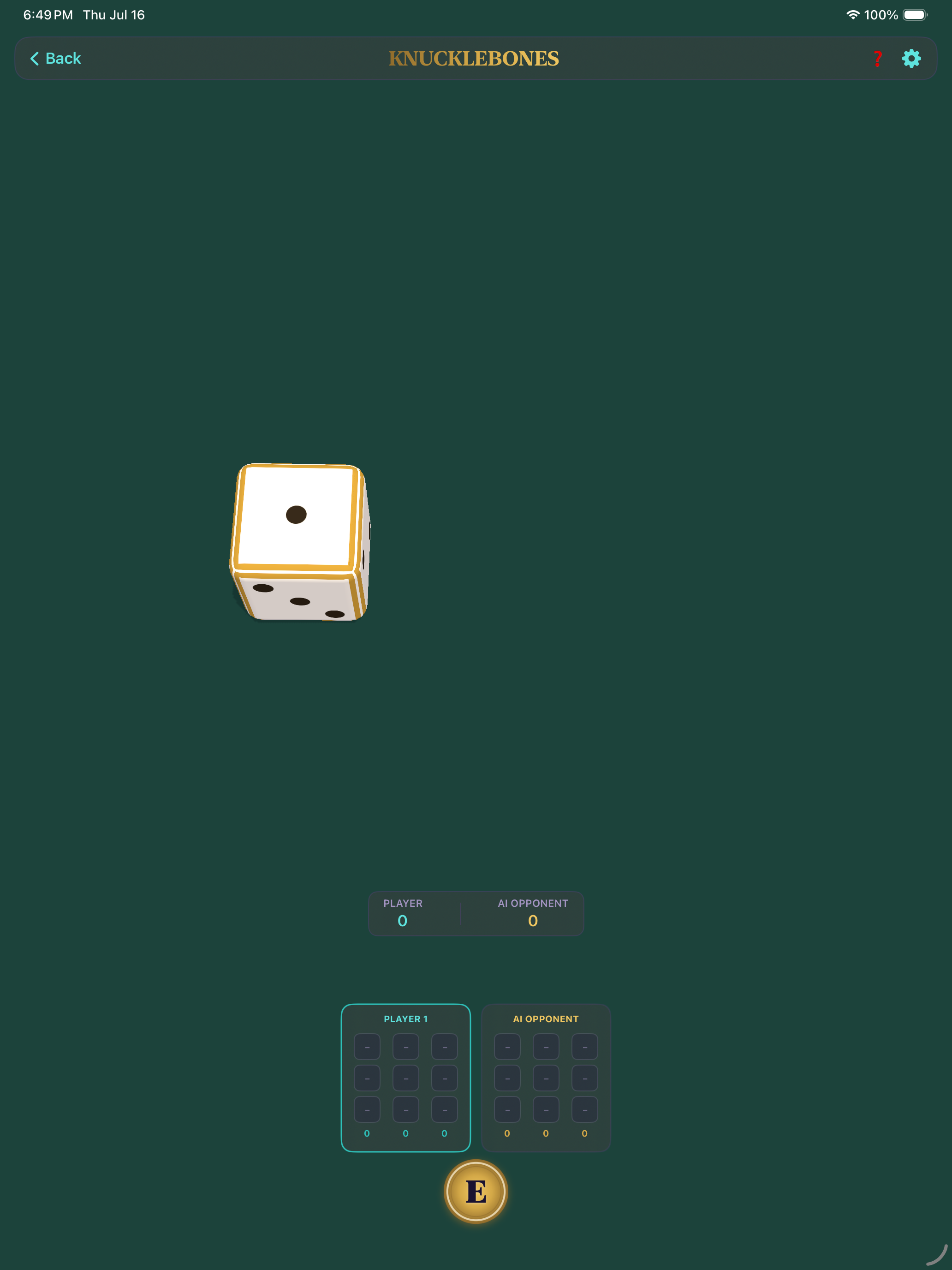
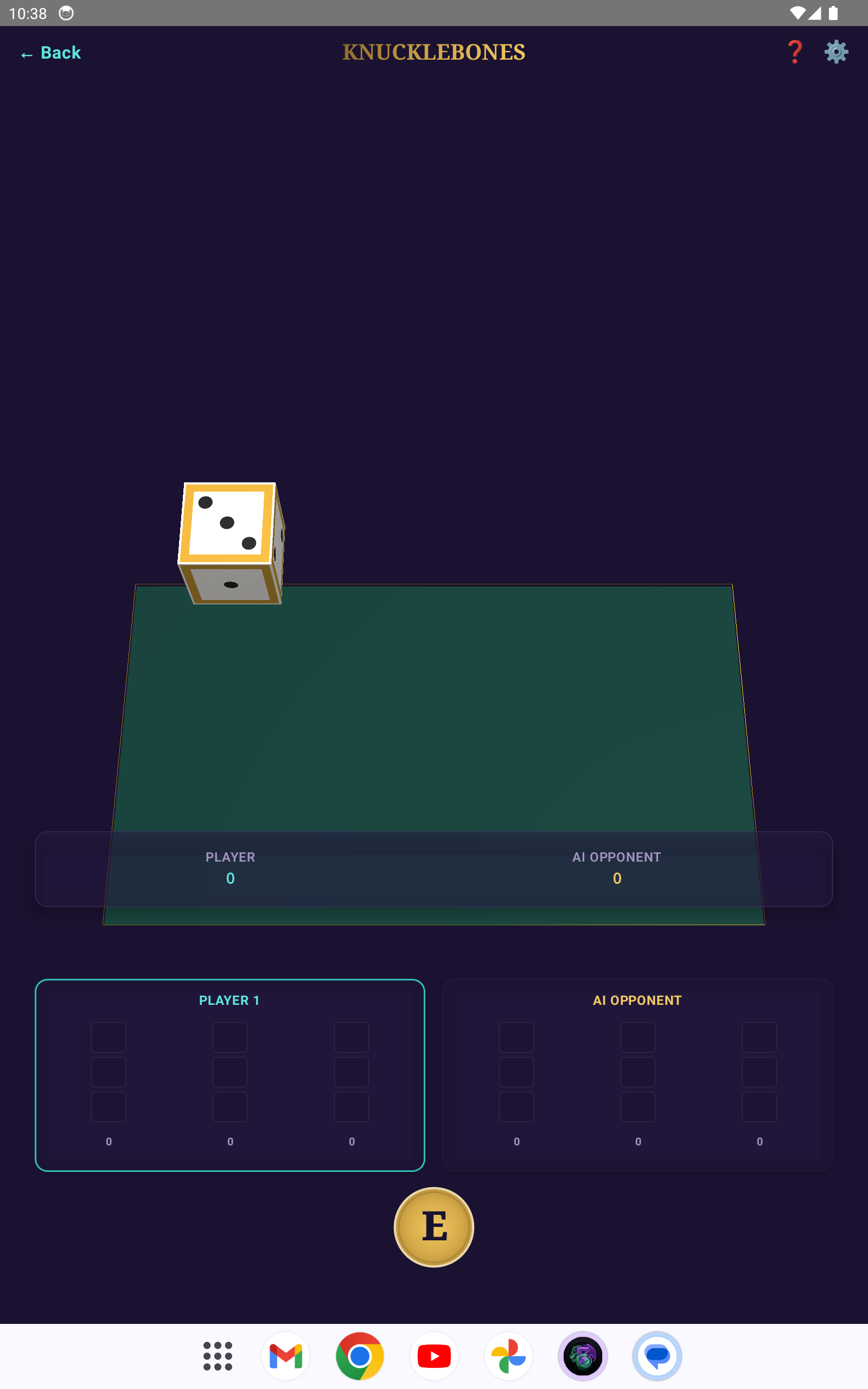
Players take turns rolling a single die and placing it in one of three columns on their 3×3 grid. Matching dice in the same column multiply their score (value × count squared). But here's the twist: placing a die that matches a value in your opponent's same column destroys their matching dice. The game ends when either player's grid is full. Highest total score wins.
Stacking triples is devastating - three 6s in a column scores 108 points. But leaving a stack exposed invites destruction. The AI weighs offensive destruction against defensive stacking on every single placement.
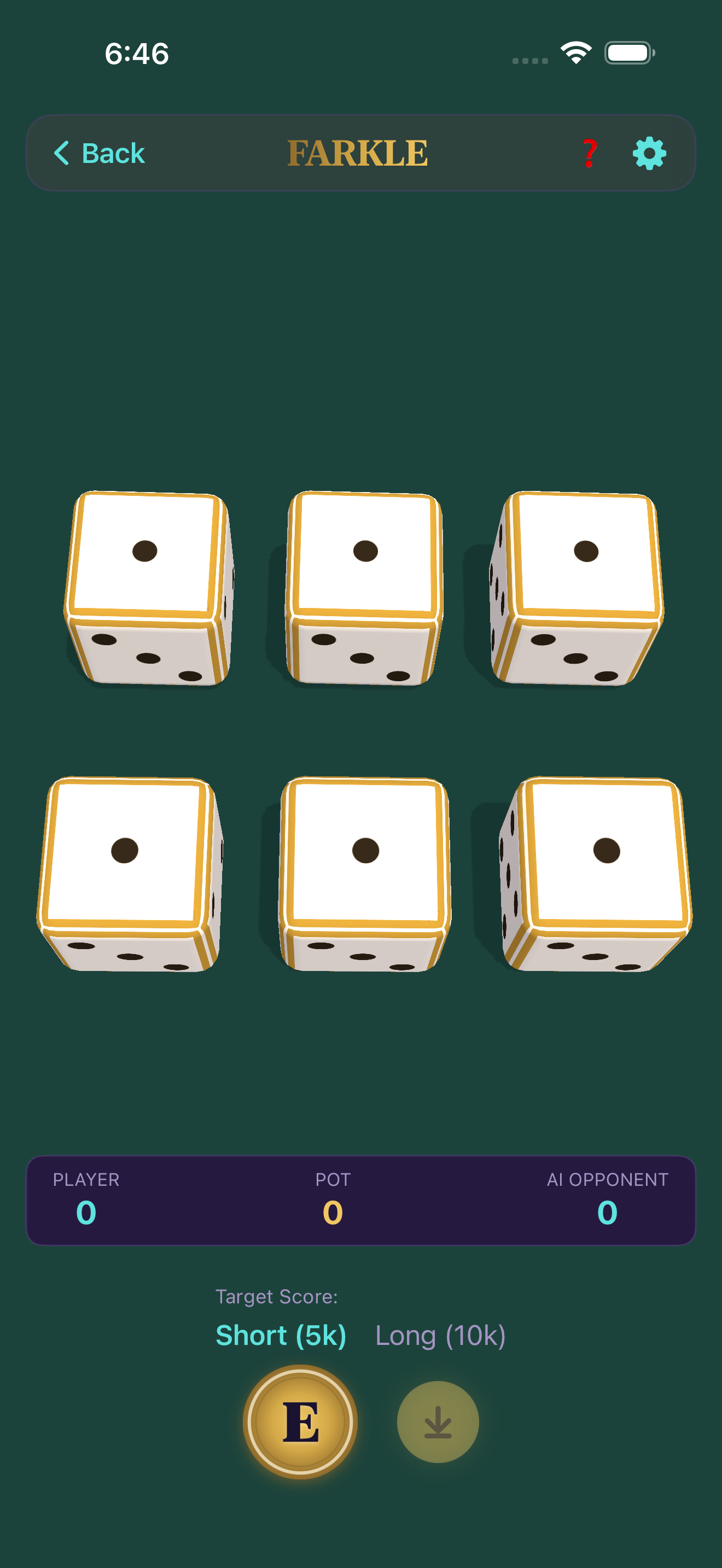
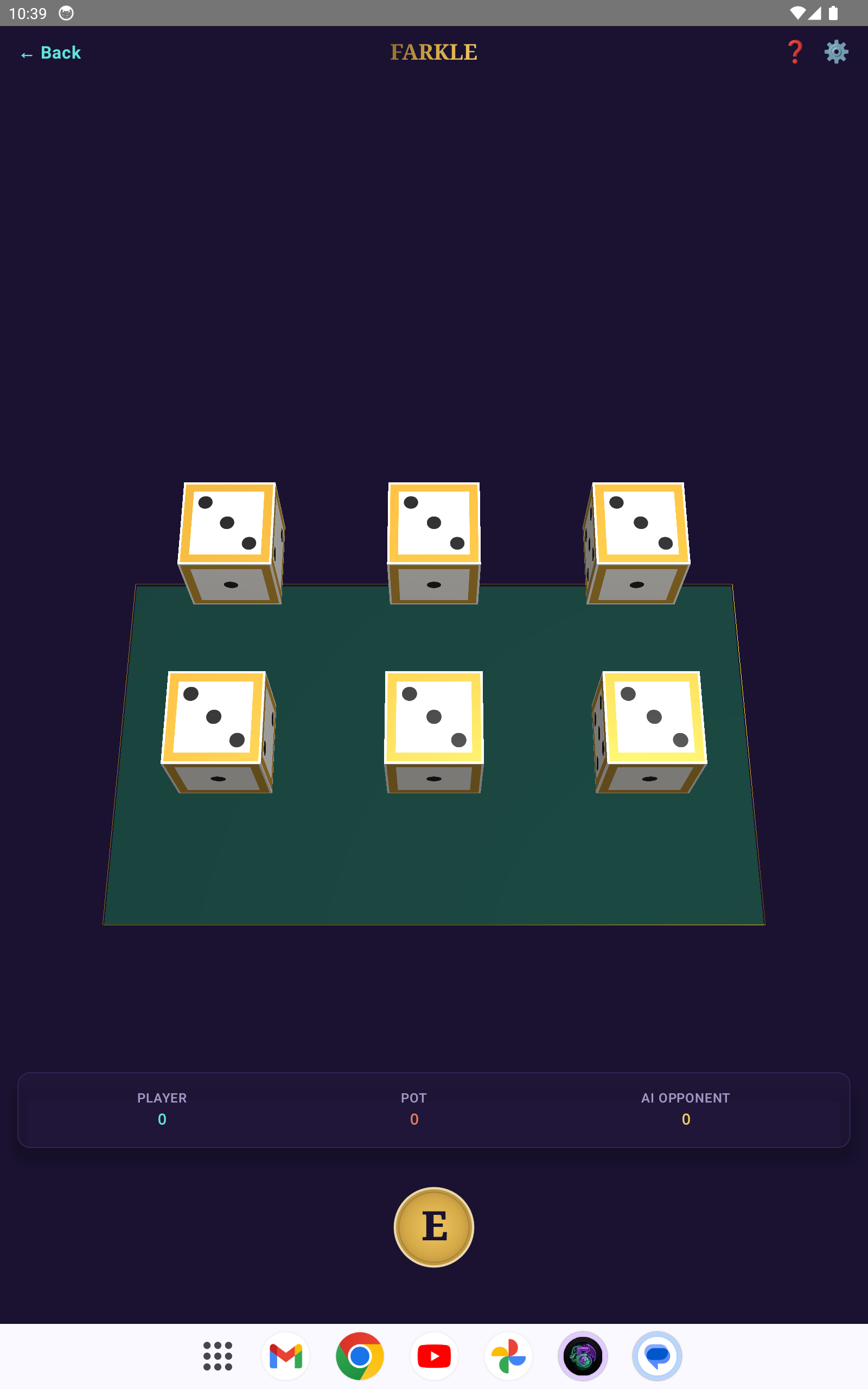
Roll six dice. Set aside at least one scoring die (1s = 100 pts, 5s = 50 pts, three of a kind = face × 100, three pairs = 1500, a straight = 1500) and choose: bank your accumulated points, or roll the remaining dice. If you roll and nothing scores - that's a Farkle. You lose every point from that turn. If all six dice score, you've got Hot Dice - pick them all up and keep rolling. First to 5,000 wins.
With six dice, your Farkle chance is only 2.3%. With one die left, it jumps to 66.7%. Know when the odds turn against you. The aggressive Dragon AI chases Hot Dice, while the conservative Elephant AI banks early to secure its score.
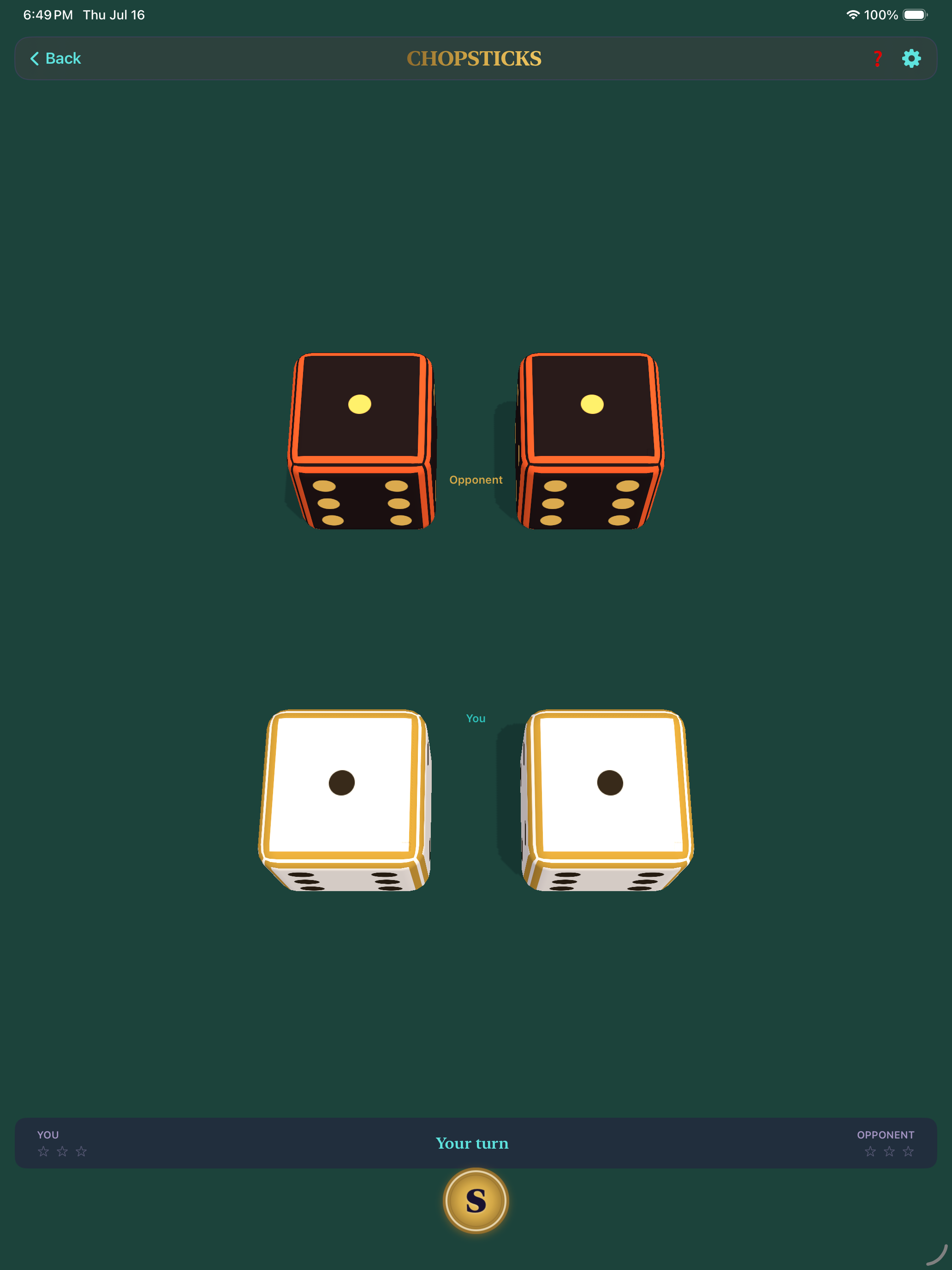
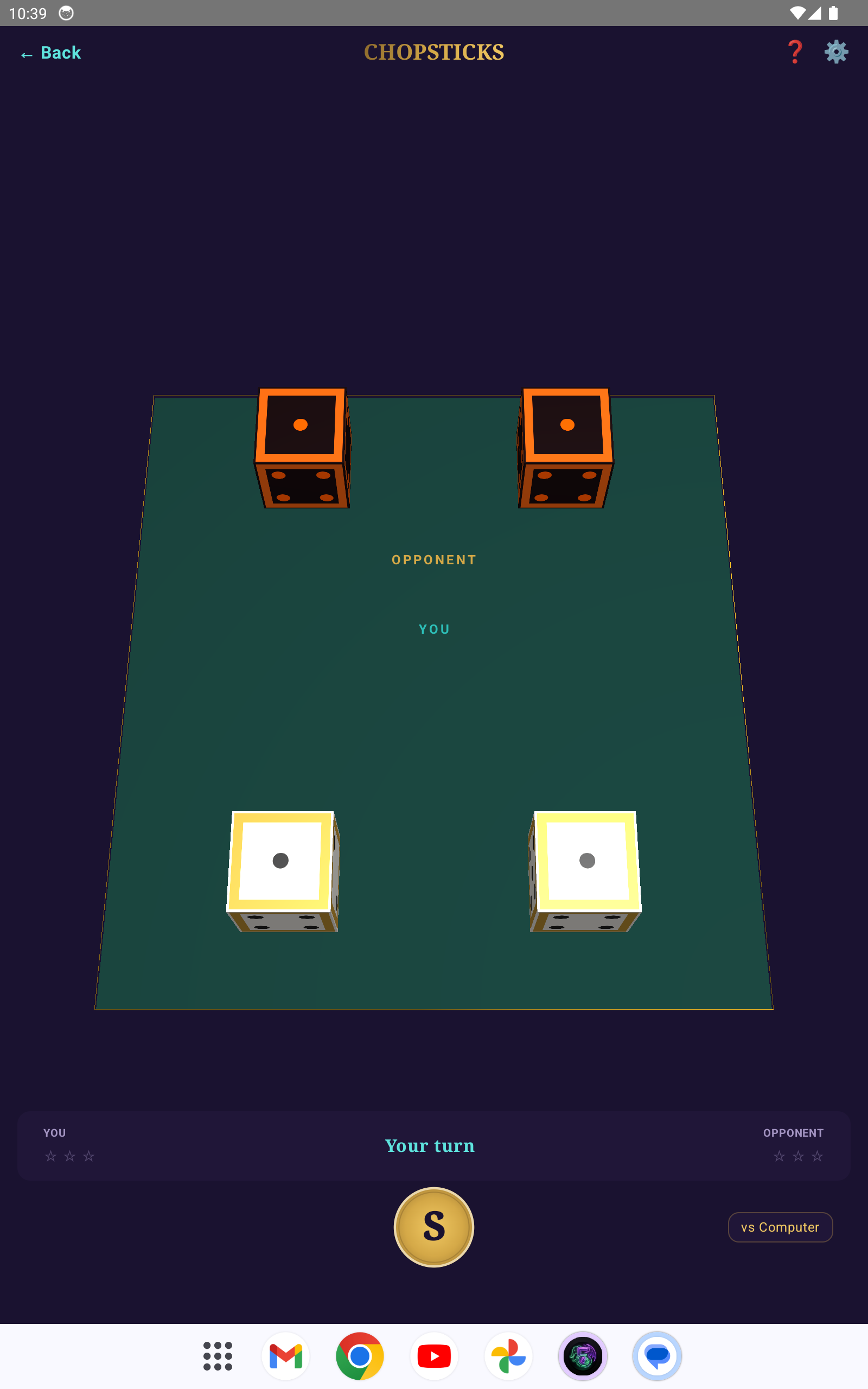
Players start with one finger extended on each hand. On your turn, tap your hand and drag to an opponent's hand to Attack (adds your fingers to theirs). If an opponent's hand reaches exactly five fingers, it is destroyed. Alternatively, Split to redistribute fingers between your own hands. First to destroy both of the opponent's hands wins.
Use splits strategically to revive dead hands (if house rules allow). Watch out for the wraparound rule - exceeding five fingers loops the hand back to a low count instead of destroying it.
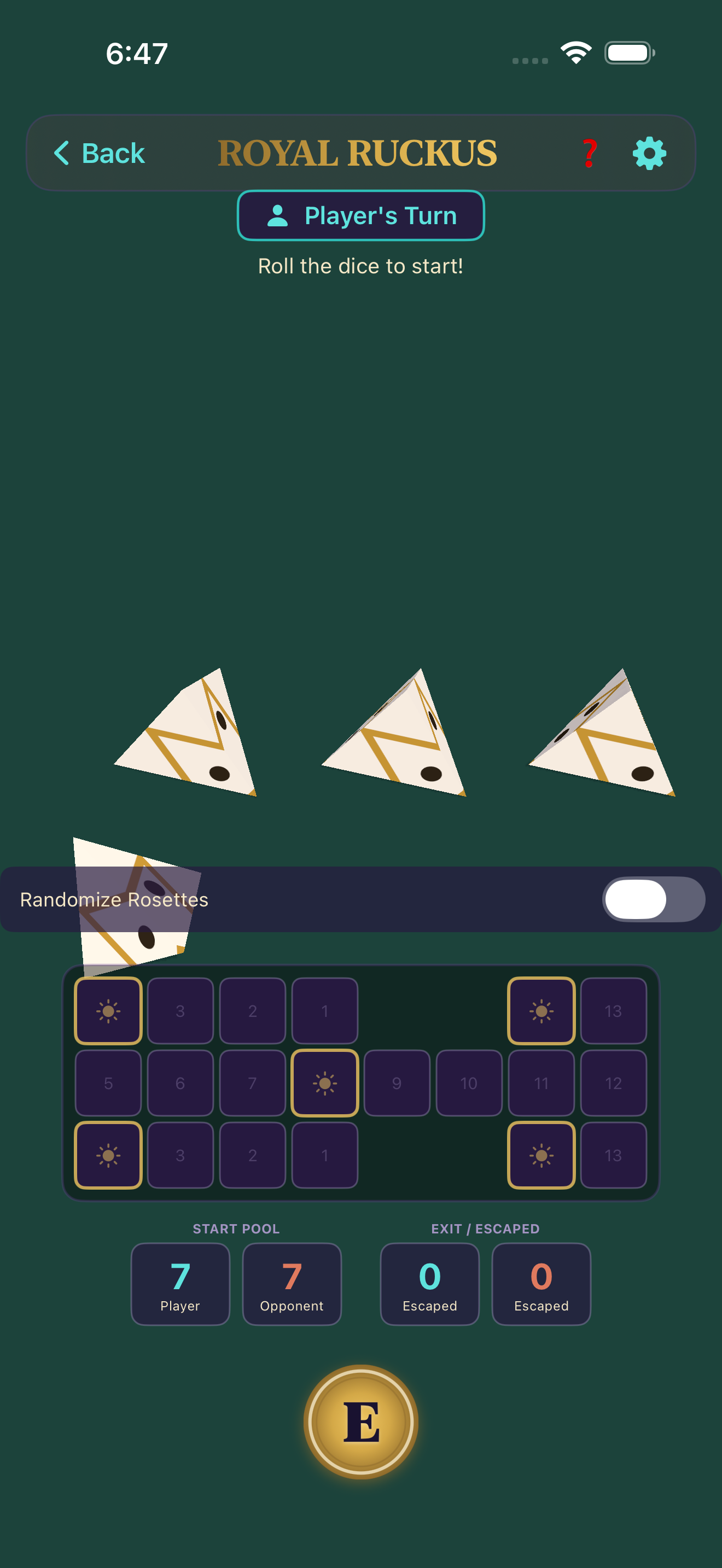
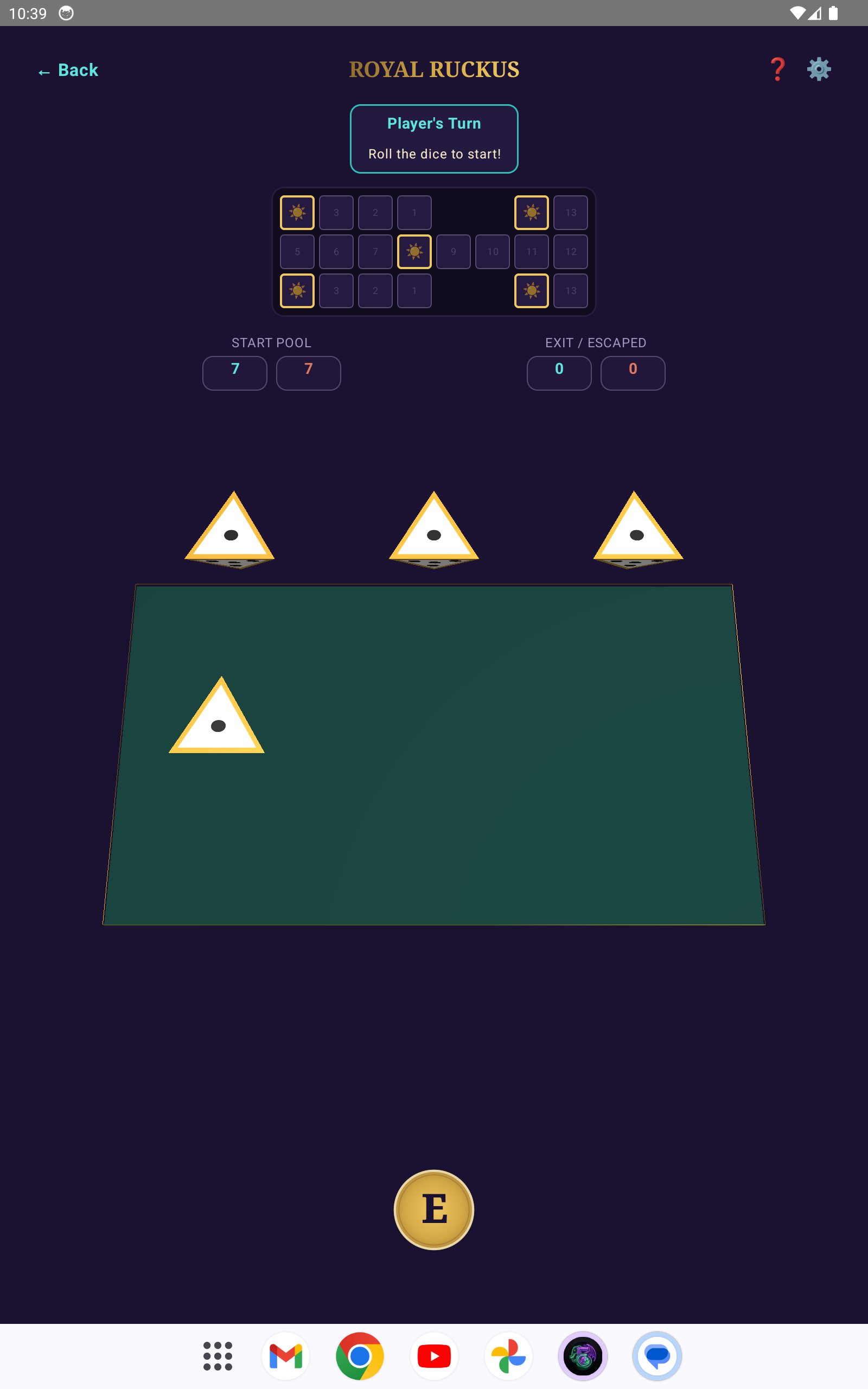
Roll four pyramidal binary dice (0-4 marks). Move your pieces along the track. Landing on a rosette gives you an extra roll and protects your piece. Landing on an opponent's piece in the middle track captures it and returns it to the start. First to bear off all seven pieces wins.
Rosette control is key. Keep your pieces safe on the starting and middle rosettes, and use the extra turn to set up capture moves or escape dangerous zones.
AI opponents run entirely on your device using Apple Intelligence (iOS) or Google AI (Android). No internet needed, no cloud calls, sub-second decisions. On devices without local AI, a mathematical heuristic engine provides expert-level play instantly.
Choose your opponent's style. The Conservative Elephant plays safe and banks early. The Aggressive Dragon takes every risk. The Balanced mind calculates optimal expected value. Each personality uses different strategies, different thresholds, and different trash talk.
Real-time 3D dice with physics simulation - SceneKit on iOS, OpenGL ES on Android. Dice tumble, bounce, and settle with realistic collisions. Supports all standard polyhedrals: d4, d6, d8, d10, d12, d20, and d100.
Drag and flick to roll with touch. Shake your device for a quick roll. Haptic feedback pulses on every dice collision. Sound effects scale with rolling intensity.
Play with friends nearby over peer-to-peer - no server, no account, no internet. Uses Apple MultipeerConnectivity on iOS and Wi-Fi Direct on Android. Just connect and play.
Track your lifetime record across all games. Win/loss ratios, win streaks, average rolls, dice distribution charts. All stored locally on your device.
An optional in-game advisor that explains the optimal play for every situation. Three detail levels - Newbie (full explanations), Intermediate (concise tips), and Pro (terse EV calculations and probability data).
Use your camera to capture six custom face images. Your photos are mapped onto 3D dice that roll with full physics. Make dice with family photos, team logos, or anything you want.
Generate dice mapped with your team member names and avatars. Select sizes from d4 to d20. Features smart bulk name importing to instantly populate face values, making setup incredibly fast.
Swipe through the game carousel on the main menu. Each game card shows its name, dice count, and a brief description. Tap to start.
Select an AI personality - Conservative (Elephant), Aggressive (Dragon), or Balanced - or connect with a nearby friend via P2P.
Pick your experience level: Newbie, Intermediate, or Pro. This controls how much guidance the in-game advisor provides.
Tap the roll button, drag and flick, or shake your device. Watch the 3D dice tumble across the felt. Make your decisions - roll again, hold, score, or place.
Check the Stats screen from the main menu to see your lifetime record, streaks, and per-game breakdowns.
Tabletop gaming is about connection, and Elegonn vs Player brings your real-life team and family directly into the game. With the custom dice builder, you can craft personalized d4, d6, d8, d10, d12, or d20 dice in seconds.
Our smart bulk name importing allows you to paste a list of team members, automatically formatting and distributing them across the active dice faces. Pair names with camera-captured photos or gallery images to generate fully textured 3D dice.
Every custom die behaves with high-fidelity, real-time physics on the rolling mat - complete with collision haptics and customized roll-reveal overlays when a team member is rolled.
Build team dice for work standups, family game nights, or custom decision makers. Your custom textures are processed and saved entirely on your device.
Shared game engines, AI logic, and persistence across iOS and Android
Native iOS interface with SceneKit 3D dice rendering
Native Android interface with OpenGL ES 2.0 dice rendering
On-device LLM via FoundationModels.LanguageModelSession (iOS 18+)
On-device LLM via Gemini Nano / AICore SDK (Android)
iOS 3D dice physics with SCNPhysicsBody
Android 3D dice with custom rigid-body physics solver
iOS peer-to-peer networking
Android peer-to-peer networking
Automated builds and deployment
Continuous integration and delivery pipeline
No. Everything runs locally on your device - AI opponents, game logic, and P2P multiplayer all work completely offline.
The on-device AI uses Apple Intelligence on iPhone 15 Pro and later (or any M1+ iPad/Mac), and Google AI on Pixel 8+ and Galaxy S24+ on Android. On all other devices, a mathematical heuristic engine provides expert-level play with instant responses.
Yes! Use the P2P Lobby to connect with a nearby friend. On iOS it uses MultipeerConnectivity, on Android it uses Wi-Fi Direct. No server or account needed - just be near each other.
The 3D dice engine supports all standard polyhedrals: d4, d6, d8, d10, d12, d20, and d100. The Dice Bag screen lets you roll any combination.
Completely. All stats, game history, and custom dice images are stored locally on your device. Nothing is sent to any server.
Conservative (Elephant) plays it safe - banks early, avoids risk, remembers losses. Aggressive (Dragon) takes maximum risk - always rolls one more time, chases big scores. Balanced plays mathematically optimal strategy based on expected value calculations.
An optional overlay that recommends the best play for your current situation. Set it to Newbie for detailed explanations, Intermediate for quick tips, or Pro for raw probability data and EV calculations. Toggle it on or off in the settings.